Music & Lifestyle
Music While Cooking: An Ad-Free Kitchen Listening Guide
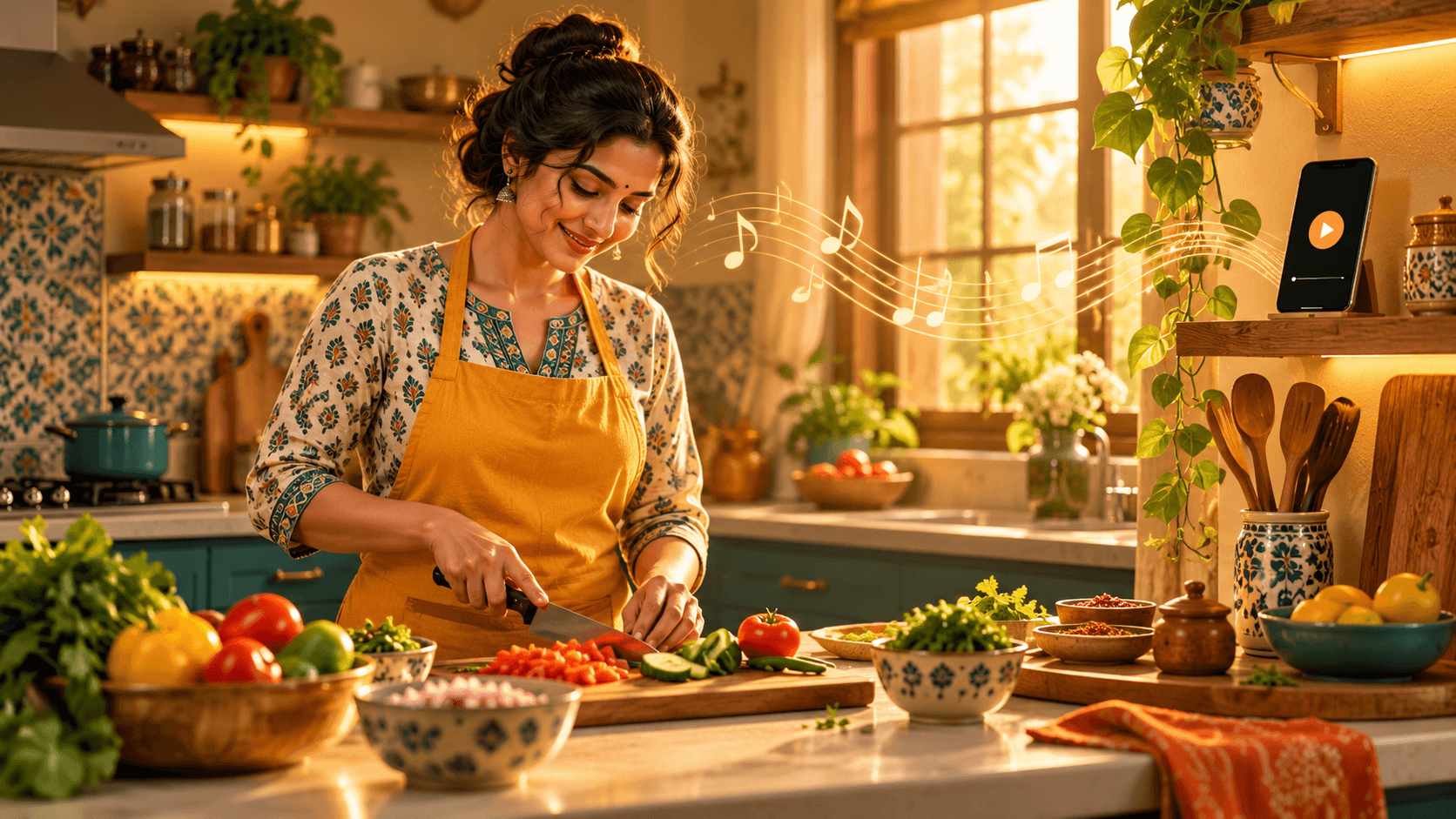
The onions are chopped, the pan is warming, and dinner is beginning to take shape. This is the moment when background music can make an ordinary kitchen feel more welcoming.
If you enjoy music while cooking, the listening setup should be simpler than the recipe. Dhunzza offers free, ad-free, browser-based continuous music, so you can start listening without creating an account or planning a playlist.
Start the music before the meal prep
Open Dhunzza on your phone, tablet, or laptop and press play before your hands get busy. A browser may require that first tap to allow audio, so do it while you are setting out your ingredients.
Place the device somewhere dry and stable, away from heat and splashes. If you use a separate speaker, check its connection before cooking. The goal is to spend less time handling a screen once food preparation begins.
Why continuous music suits the kitchen
Cooking rarely follows the neat structure of an album. You might prepare vegetables, wait for something to simmer, and then move quickly between several dishes.
A continuous, shuffled mix can accompany those changing moments without requiring you to select the next song. Dhunzza keeps the listening experience ad-free, so commercial messages do not cut into the atmosphere between tracks.
The music remains varied. A familiar Hindi song might be followed by a track in another language. That variety is part of the experience, rather than a promise of a fixed cooking playlist.
Build a routine around your recipe
During preparation
Choose a volume that lets you hear conversation, timers, and kitchen sounds. If you are following a new recipe, read the important steps first. Pause whenever you need closer attention.
While food cooks
Waiting for rice or a slow sauce leaves little pockets of time. Tidy the counter, wash a few utensils, or enjoy the next track. Keep your usual timers in place.
When dinner is ready
Keep the music low while setting the table or pause when everyone sits down. In a shared kitchen, agree on the volume with others. A good background soundtrack leaves room for conversation.
Ad-free listening without another app
Dhunzza runs in your browser without signup or an app installation. You can use the device you already have nearby.
You still need an internet connection. If playback stops, check your connection and browser or battery settings. Ad-free listening removes commercial interruptions; network interruptions can still happen.
For an introduction, read Music Without Ads: Discover Free, Uninterrupted Listening on Dhunzza.
Frequently asked questions
Is kitchen background music free on Dhunzza?
Yes. Listening is free and ad-free. Normal internet or mobile data charges can still apply.
Do I need to choose every song?
No. Dhunzza focuses on continuous, shuffled listening without queue management. It does not promise immediate playback of a specific track.
Can I listen without downloading an app?
Yes. Open the website in your browser and press play.
Give tonight's meal a soundtrack
You do not need an elaborate speaker system or a carefully arranged playlist. Start with a browser, a comfortable volume, and a little space for the songs to surprise you.
Press play on Dhunzza and enjoy free, ad-free music with your next meal at home.
Related Articles
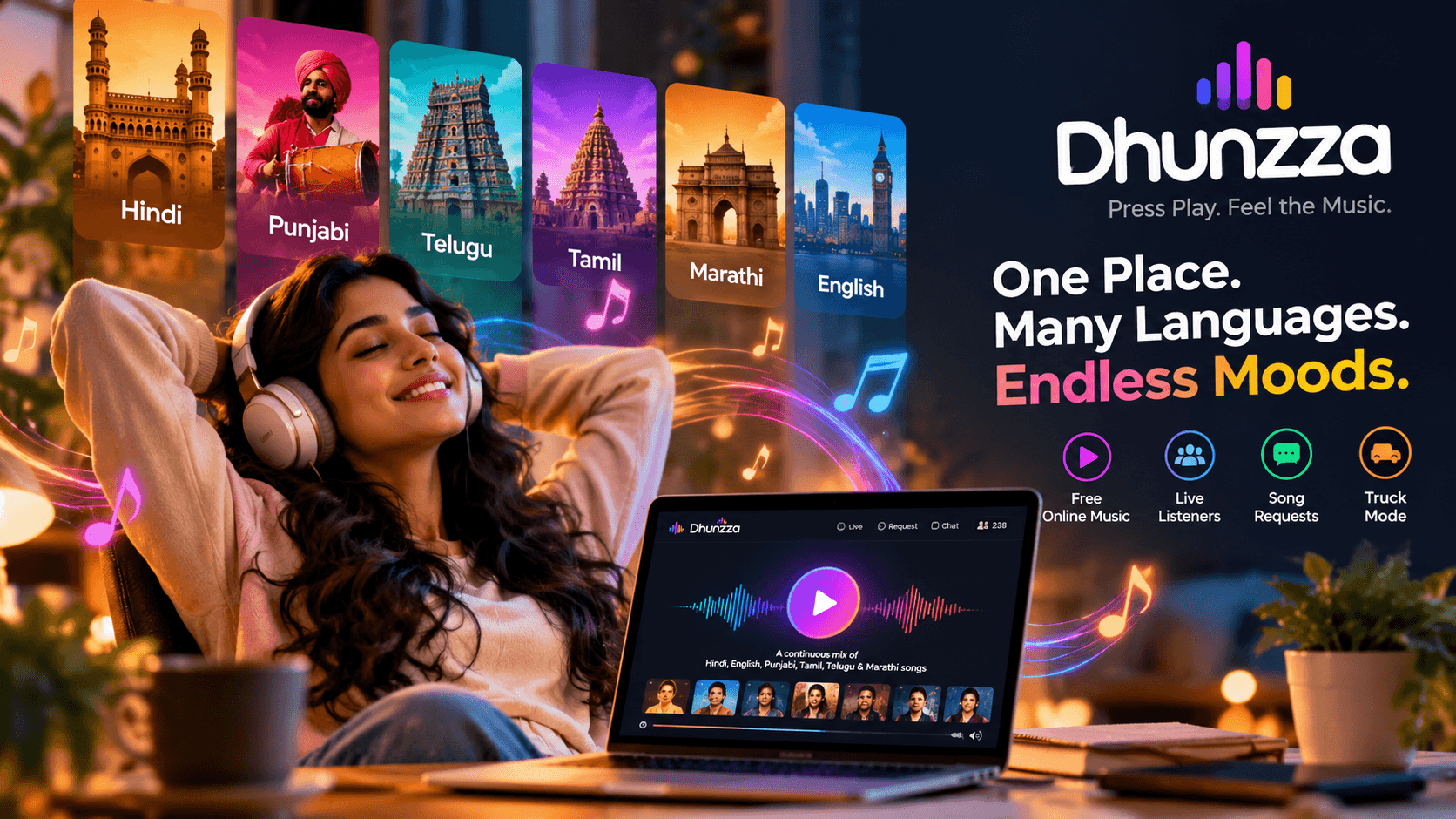
Tired of Choosing Songs? Discover a Better Way to Listen to Music
Tired of searching for the next song? Discover Dhunzza, a free online music experience featuring Hindi, Punjabi, Telugu, Tamil, Marathi and English songs. Just press play and enjoy.

Ad-Free Online Music for Work: A Simple Browser Setup
Set up free, ad-free online music for your workday with Dhunzza. Follow five simple browser listening tips—no signup or app download needed.

Ad-Free Music for a Relaxing Evening at Home
Create an easy evening listening routine with Dhunzza. Enjoy free, ad-free browser music, a comfortable volume, and less time managing the next song.