Music & Lifestyle
Ad-Free Online Music for Work: A Simple Browser Setup

Your workday already comes with enough interruptions: messages, meetings, and a growing list of small tasks. Choosing background music should be the easy part. If you want ad-free online music while you work, a simple browser setup can help you settle into a listening routine without building another playlist.
Dhunzza is a free, ad-free, browser-based continuous music platform. Open the website, press play, and let its shuffled mix accompany your day. Here is a practical way to make that experience fit your workspace.
What ad-free online music means on Dhunzza
Ad-free listening means your music is not interrupted by commercial advertisements. Dhunzza is free to listen to and runs in your browser, without requiring an account or an app installation.
Its continuous format is designed for background listening. You do not need to plan a queue or search for every next track. Expect a changing mix rather than a promise that a particular song will play at a particular time.
Ad-free does not mean offline: you still need an internet connection, and normal mobile data charges can apply. Playback can also be affected by your connection, device settings, or browser restrictions.
Set up your browser music in five simple steps
1. Open Dhunzza before you start your task
Visit dhunzza.in on your laptop, phone, or tablet. Start playback yourself; browsers may require a tap or click before they allow audio.
Keeping the music in one dedicated tab makes it easier to find when you need to pause for a call or adjust the sound.
2. Choose a comfortable volume
Start quietly and increase the volume only as much as you need. The right background level lets you notice your work and the people around you.
Headphones can suit a personal desk. In a shared workspace, agree on the volume and music with others before using speakers.
3. Match listening to the kind of work
Routine tasks, design work, and clearing your inbox may feel different with music playing. Reading dense material or writing something complex may call for a quieter setting—or a pause.
There is no single soundtrack that works for everyone. Try a short work session and notice whether the music feels helpful or distracting. Treat it as a personal preference, not a guaranteed productivity technique.
4. Let the continuous mix take over
Once playback begins, return to your task instead of checking the player after every track. The appeal of continuous music is the space it leaves for the rest of your day.
Dhunzza brings together songs across languages, including Hindi, English, Punjabi, Tamil, Telugu, Gujarati, and Marathi. Familiar tracks and unexpected discoveries can share the same listening session.
5. Check device settings if playback stops
If the music pauses unexpectedly, check your internet connection, the tab's audio settings, and your device's battery-saving controls. On a phone, background activity restrictions can affect browser playback.
When troubleshooting, change one setting at a time and test again. Avoid assuming that ad-free listening guarantees an uninterrupted network connection.
Make a small listening ritual
A useful routine can be as simple as opening your work, starting Dhunzza, and choosing one task to finish. Pause the music when you join a meeting, then restart it when you return.
You can use the same idea while preparing a meal, sketching, or tidying a room. Music becomes a companion to the activity, without turning song selection into the activity itself.
For more on that approach, read Tired of Choosing Songs? Discover a Better Way to Listen to Music.
Frequently asked questions
Can I listen to free music online without ads on Dhunzza?
Yes. Dhunzza offers free, ad-free online music listening through its website. You need an internet connection and a browser capable of playing audio.
Do I need to sign up or download an app?
No. You can open Dhunzza in your browser and press play without creating an account or installing an app.
Is Dhunzza an on-demand song search service?
Dhunzza focuses on a continuous, shuffled listening experience. It suits people who want background music without managing a queue; it does not promise immediate playback of a specific requested track.
Will music always improve my focus?
Not necessarily. Some tasks and listeners suit music, while others suit quiet. Adjust the volume, take breaks, and pause whenever the music competes with your attention.
Give your next work session a soundtrack
A good listening setup does not need to be complicated. One browser tab, a comfortable volume, and a continuous mix can be enough.
Open Dhunzza and start listening—free, ad-free music for the moments when you want to press play and get on with your day.
Related Articles

Ad-Free Music for a Relaxing Evening at Home
Create an easy evening listening routine with Dhunzza. Enjoy free, ad-free browser music, a comfortable volume, and less time managing the next song.

Music While Cooking: An Ad-Free Kitchen Listening Guide
Make meal prep more enjoyable with free, ad-free music on Dhunzza. Build a simple kitchen listening routine without signup, downloads, or playlist planning.
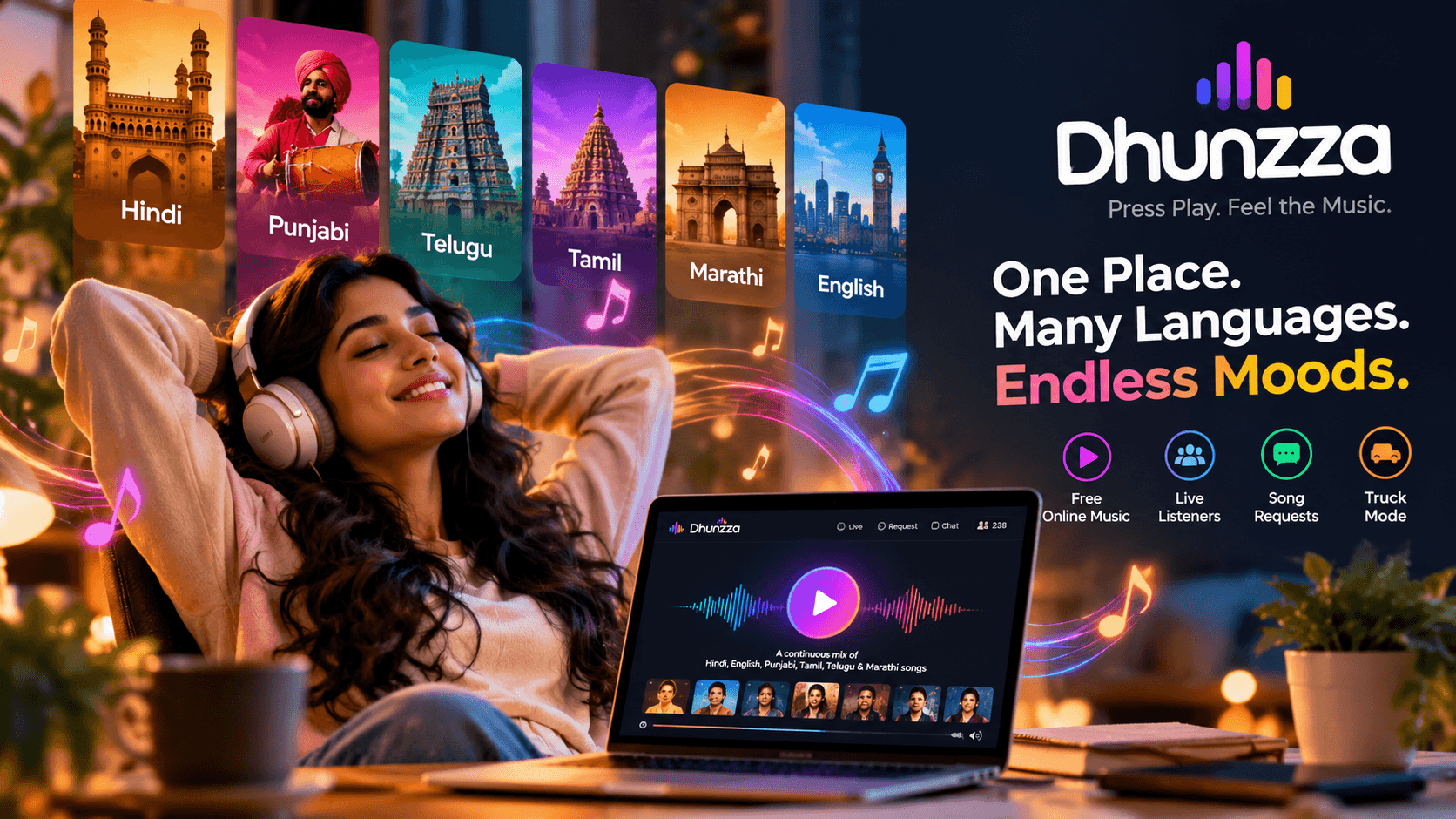
Tired of Choosing Songs? Discover a Better Way to Listen to Music
Tired of searching for the next song? Discover Dhunzza, a free online music experience featuring Hindi, Punjabi, Telugu, Tamil, Marathi and English songs. Just press play and enjoy.